Profile (bottom right) has your account card at the top, then three entries — About / Feedback / Settings — and Sign out at the very bottom.
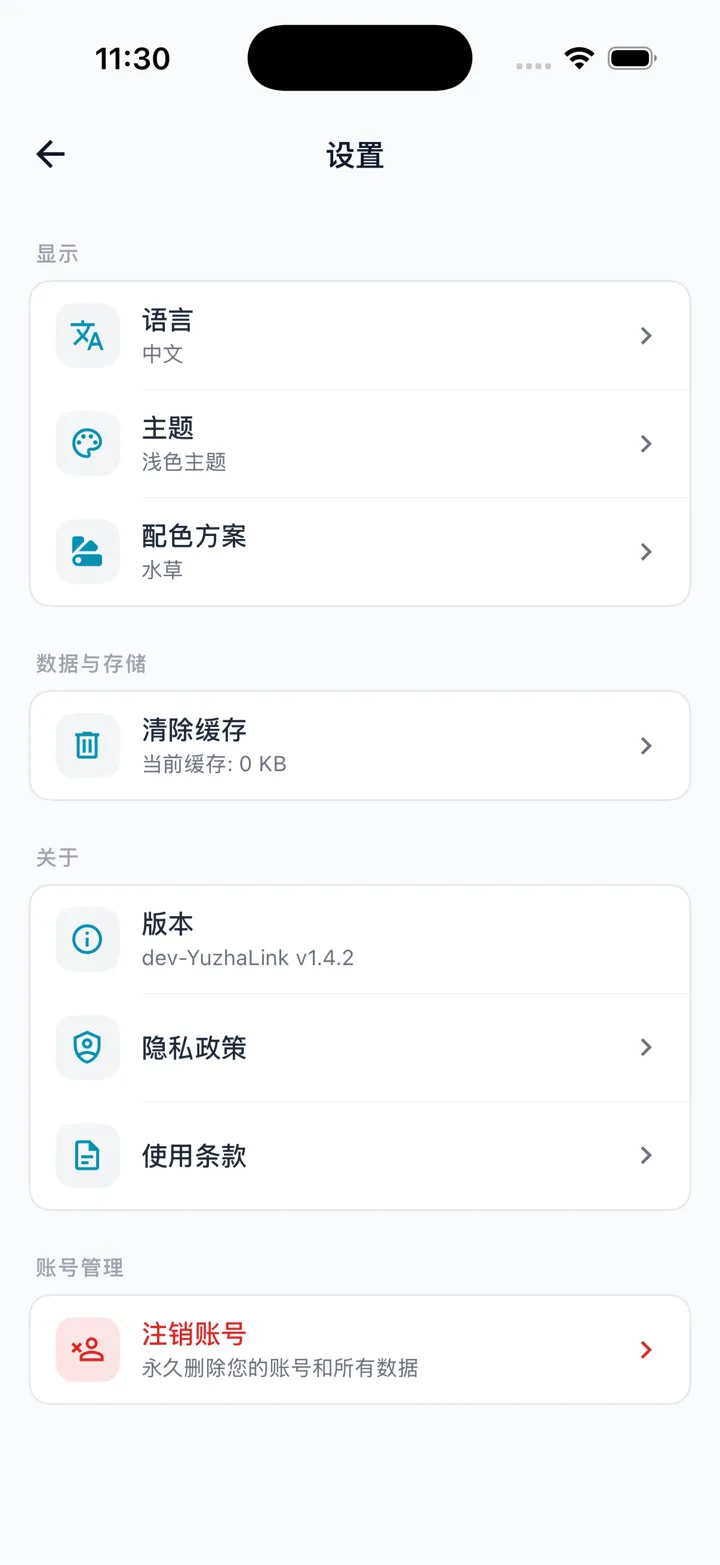
What's in Settings
Open Settings, organized into these groups:
- Appearance
- Language: switch between 中文 / English.
- Theme: follow system / light / dark.
- Color scheme: pick from a few palettes (light/dark is decided by the Theme above).
- Data & storage
- Clear cache: shows the current cache size; tap and confirm to clear (does not affect your account data).
- About
- Version number, privacy policy, terms of service.
- Account
- Delete account (see "Deleting (closing) your account" in Getting Started).
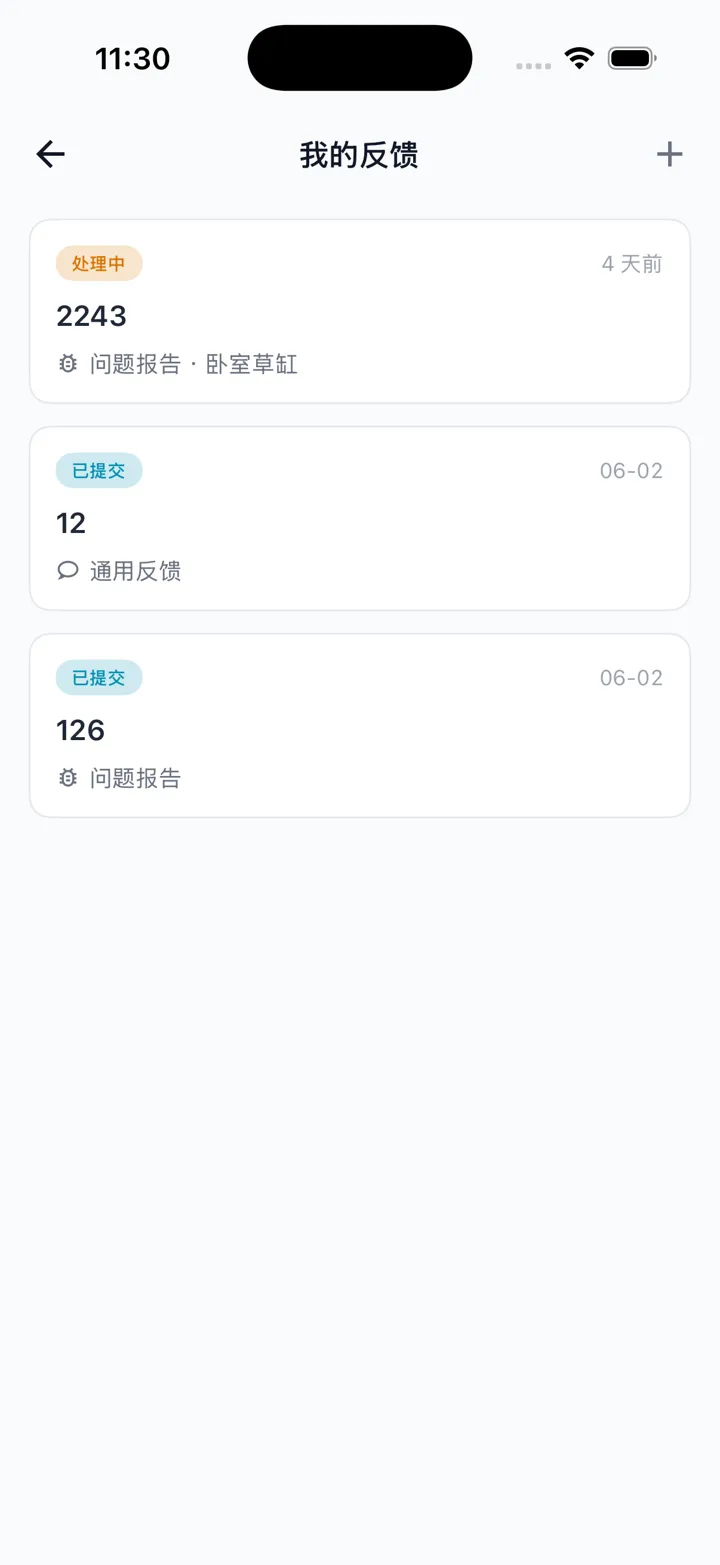
Feedback
Submit questions or suggestions under Profile → Feedback (images supported).
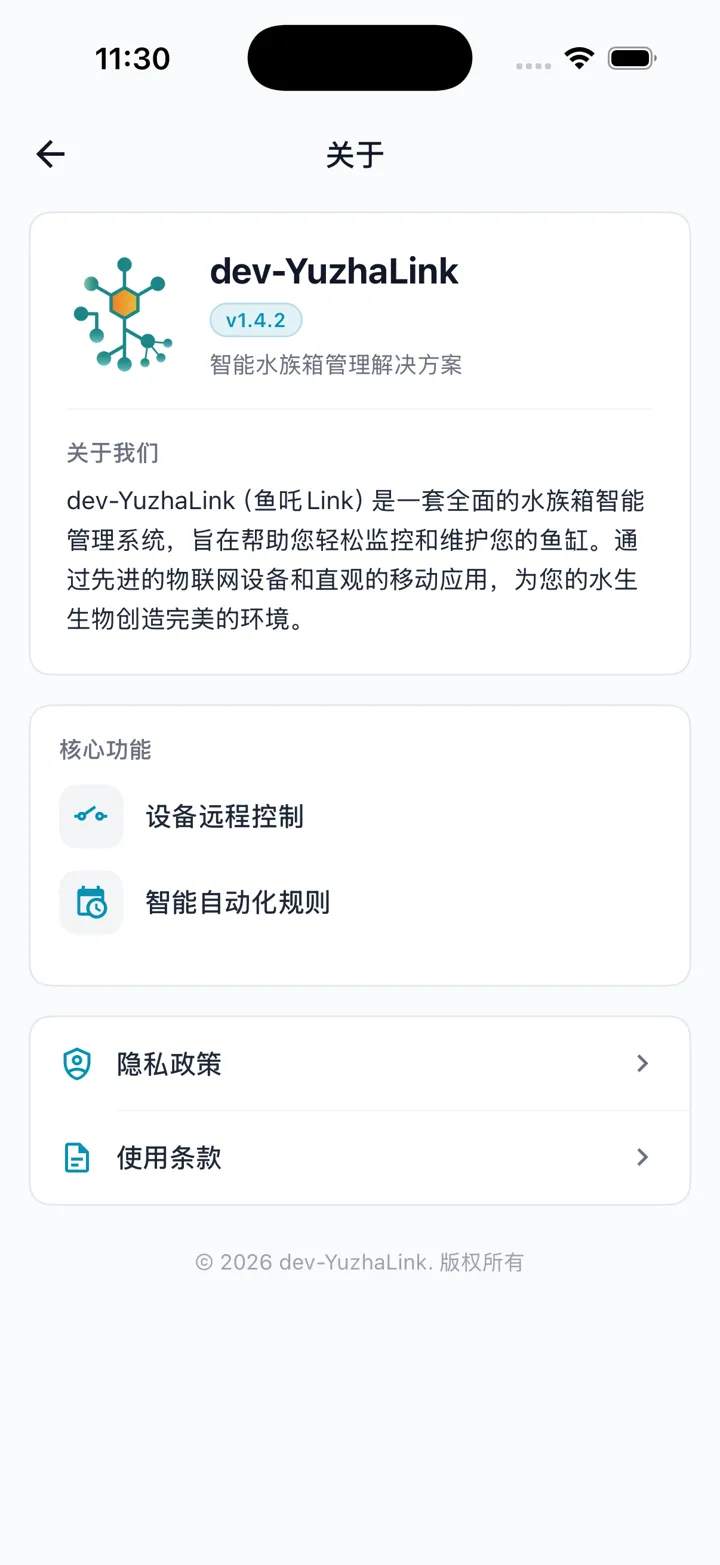
About
Profile → About shows the app version number and links to the privacy policy and terms of service.